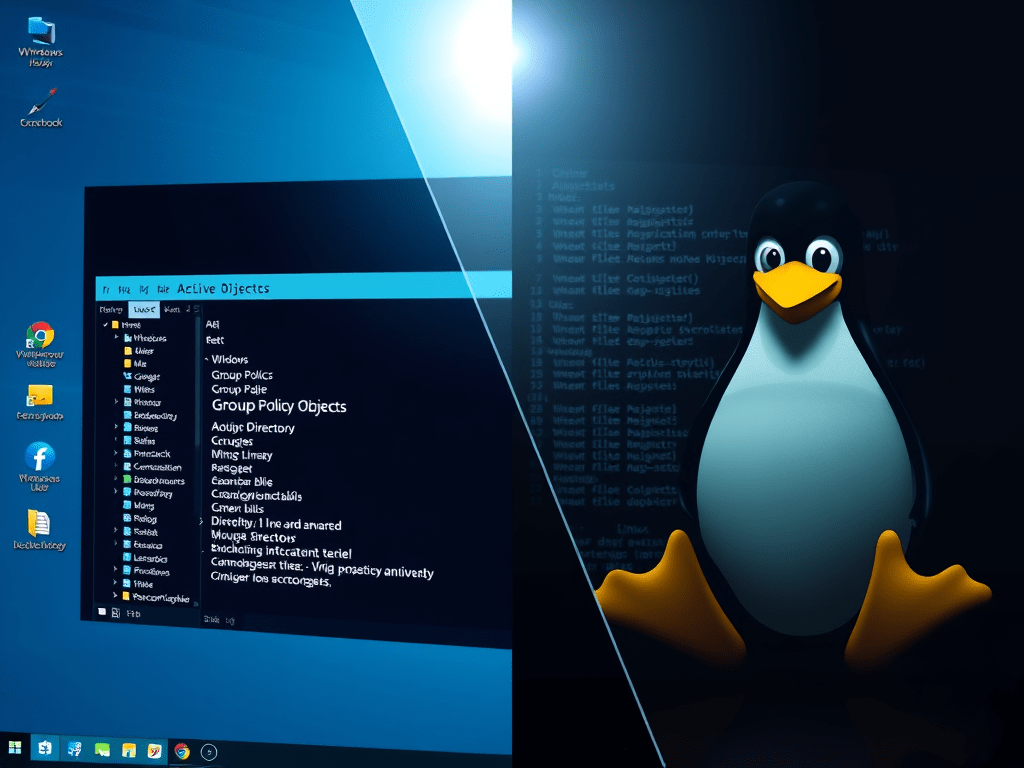
As an IT professional, I’ve always been curious about the fundamental architectural differences between Windows and Linux operating systems. One area that particularly intrigues me is how certain enterprise requirements—like centralized policy enforcement—are handled differently across these platforms. Specifically, why can’t Linux enforce Active Directory Group Policy Objects (GPOs) the way Windows does? And how do organizations meet their security and compliance needs in mixed OS environments? Let’s dive in.
Understanding the Basics: Domains, Active Directory, and Group Policy
In an enterprise environment, a domain is a collection of users and computers joined to a centralized management system. This setup enables administrators to enforce policies such as account lockout, password expiration, and other security rules uniformly.
Active Directory (AD) is Microsoft’s directory service that stores information about users, computers, and policies (rules). In a typical enterprise, you’ll find a mix of Linux and Windows servers. Some organizations run mostly Windows, others mostly Linux, and many have a heterogeneous environment.
The challenge: How do you enforce consistent policies across these fundamentally different operating systems?
Windows and Group Policy: Seamless Integration
When Windows machines join an AD domain, they come with a built-in Group Policy client. This client:
- Automatically retrieves GPOs from the domain controller.
- Applies policies by modifying Windows Registry keys, file system permissions, service configurations, and application settings.
- Ensures consistent enforcement across all domain-joined Windows devices.
Why is this possible on Windows?
- Windows Registry: A centralized hierarchical database storing OS and application settings. GPOs often manipulate registry keys directly.
- NTFS File System: Supports Access Control Lists (ACLs) that GPOs can configure to restrict file and folder access.
- Windows Services & Applications: GPOs can start/stop services or configure application settings natively.
- Unified Platform: Windows systems share a common architecture, making it easier to apply consistent policies.
Linux: A Different World
Linux does not have a registry. Instead, it relies on:
- Plain text configuration files scattered across
/etcand user home directories. - A POSIX permission model based on user IDs (UID), group IDs (GID), and permission bits (read, write, execute).
- Diverse distributions (RHEL, Ubuntu, SUSE, etc.) with different file locations and package managers.
| Aspect | Windows (AD) | Linux (POSIX) |
| User ID | SID (Security Identifier) | UID (User ID) |
| Group ID | AD Groups (with SIDs) | GID (Group ID) |
| Home Directory | Optional attribute in AD | Essential, defined in /etc/passwd |
| Shell | Not applicable | Defined per user, e.g., /bin/bash |
| Configuration Storage | Windows Registry | Text files (e.g., /etc/ssh/sshd_config) |
| File Permissions | NTFS ACLs | POSIX permissions and ACLs |
Because of these fundamental differences, there is no direct equivalent on Linux for GPOs designed to change Windows registry keys. These GPOs affect NTFS permissions or Windows services. Linux systems do not use registry keys and handle permissions differently.
Why Has Microsoft Not Built a Native GPO Mapping Utility for Linux?
- Deep Windows Integration: GPOs are tightly coupled with Windows internals like the registry and NTFS, which Linux lacks.
- Linux Diversity: Various Linux distributions differ significantly in configuration file locations, formats, and package management. These differences make a one-size-fits-all GPO utility impractical.
- Strategic Focus: Microsoft’s primary business interest lies in strengthening Windows and Azure ecosystems. It is not focused on enabling full feature parity for competitor OSes.
Bridging the Gap: Red Hat IDM and AD Trust
Some enterprises deploy Red Hat Identity Management (IdM) on Linux systems and establish trust relationships with AD. This setup allows:
- Linux systems to authenticate AD users.
- Local policies, like account lockout thresholds, should be enforced by IdM or Linux PAM. These should not be managed by AD GPOs.
However, this is not full GPO enforcement. For example:
- The number of incorrect login attempts before account lockout defined in AD GPOs may not apply on Linux. This happens unless PAM is explicitly configured.
- Policies enforced locally on Linux require separate monitoring and management, which becomes challenging at scale.
Managing Policy Enforcement at Scale on Linux: Enter Ansible
Enterprises often use configuration management tools like Ansible to centralize policy enforcement. They also use these tools to automate this process on hundreds or thousands of Linux servers.
How does Ansible help?
- Uses YAML-based playbooks to define desired system states.
- Connects to target Linux machines over SSH.
- Executes Python modules (like
lineinfile) to edit configuration files atomically and idempotently. - Ensures consistent application of security policies across all managed hosts.
Sample Ansible Playbook to Enforce Security Policies
---
- name: Enforce security policies on Linux servers
  hosts: all
  become: yes

  tasks:
    - name: Set password complexity requirements
      lineinfile:
        path: /etc/security/pwquality.conf
        regexp: '^minlen'
        line: 'minlen = 12'

    - name: Set account lockout after 5 failed attempts
      lineinfile:
        path: /etc/pam.d/common-auth
        regexp: '^auth'
        line: 'auth required pam_tally2.so deny=5 unlock_time=900'

    - name: Disable root login via SSH
      lineinfile:
        path: /etc/ssh/sshd_config
        regexp: '^PermitRootLogin'
        line: 'PermitRootLogin no'
      notify:
        - Restart ssh

  handlers:
    - name: Restart ssh
      service:
        name: sshd
        state: restarted
What happens here?
- The
lineinfilemodule edits configuration files by searching for a matching line and replacing or adding it. - These modules run as Python scripts remotely on each Linux server.
- The playbook ensures policies like password complexity, account lockout, and SSH restrictions are uniformly applied.
Final Thoughts
- Windows and Linux differ fundamentally in architecture and system management, which is why GPOs cannot be natively enforced on Linux.
- Enterprises meet these challenges by combining AD authentication. They use Linux identity management tools (like Red Hat IdM). They also use configuration management tools (like Ansible).
- This layered approach allows organizations to maintain security and compliance across heterogeneous environments, albeit with some operational complexity.
Understanding these differences assists IT professionals in designing more effective infrastructure. This infrastructure is more maintainable and cross-platform. It respects the unique strengths and constraints of each operating system.
Security is never one-size-fits-all. Discovering new ways to connect and protect our digital worlds keeps cybersecurity at the cutting edge.




 Infosec Journey
Leave a comment